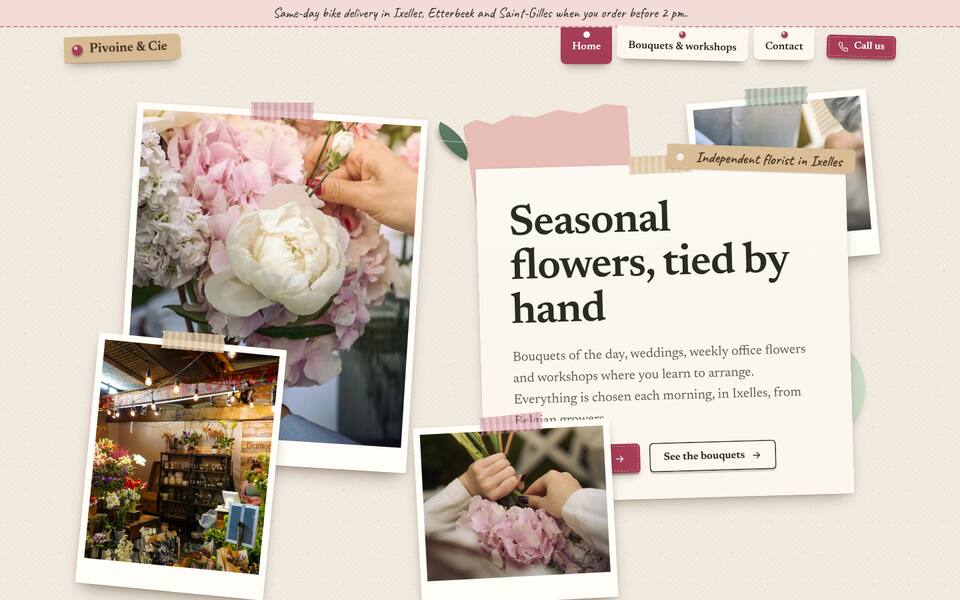
Bloom
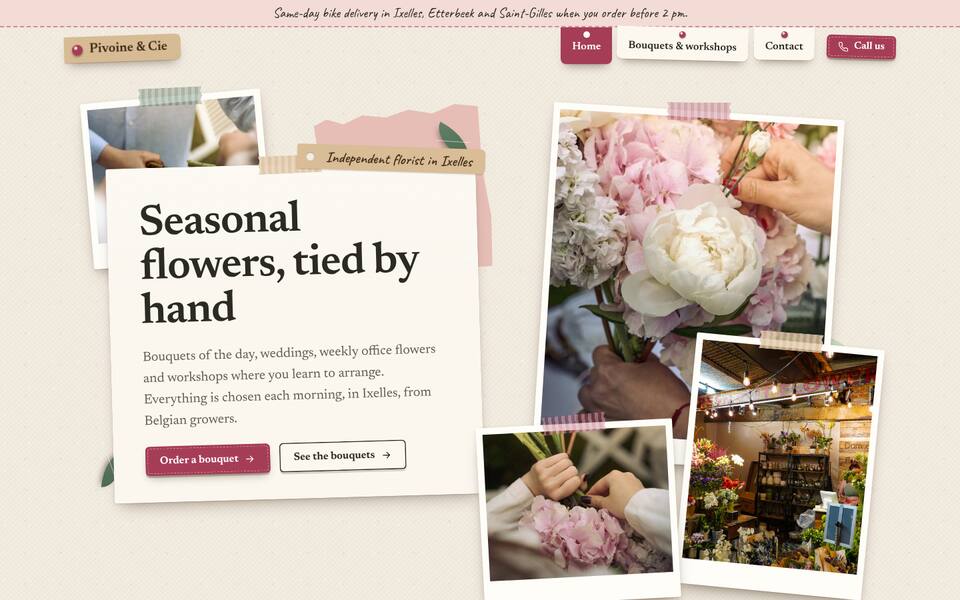
Florist, collage of tilted photos, handwritten notes. To pick it: “Modèle du site” → Bloom, then save.
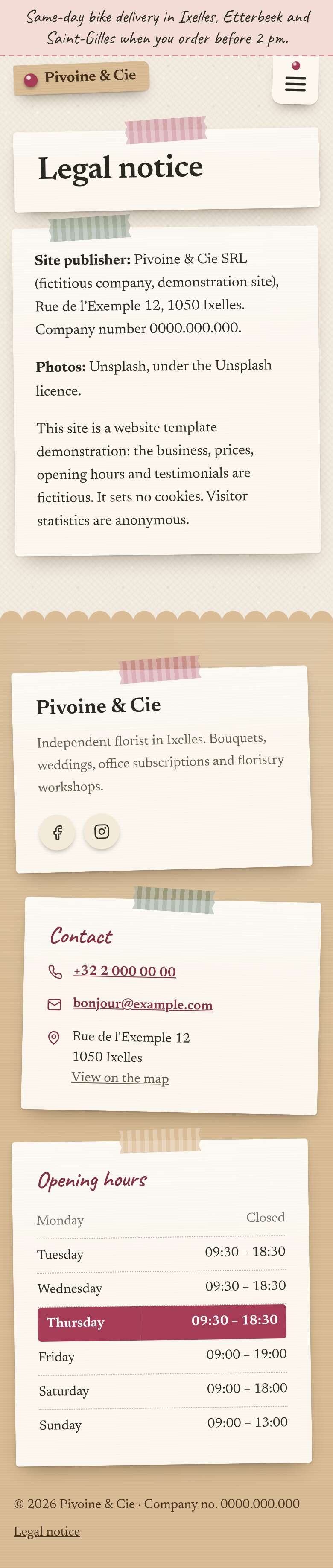
The whole page on a phone; a long page is cut in two halves side by side: the top on the left, the rest on the right.The whole page, as it shows on a phone: scroll down to go through it.The whole page, as it shows on a computer: scroll down to go through it. Example: a fictional business. Photos and texts are replaced by yours.

 1/22/2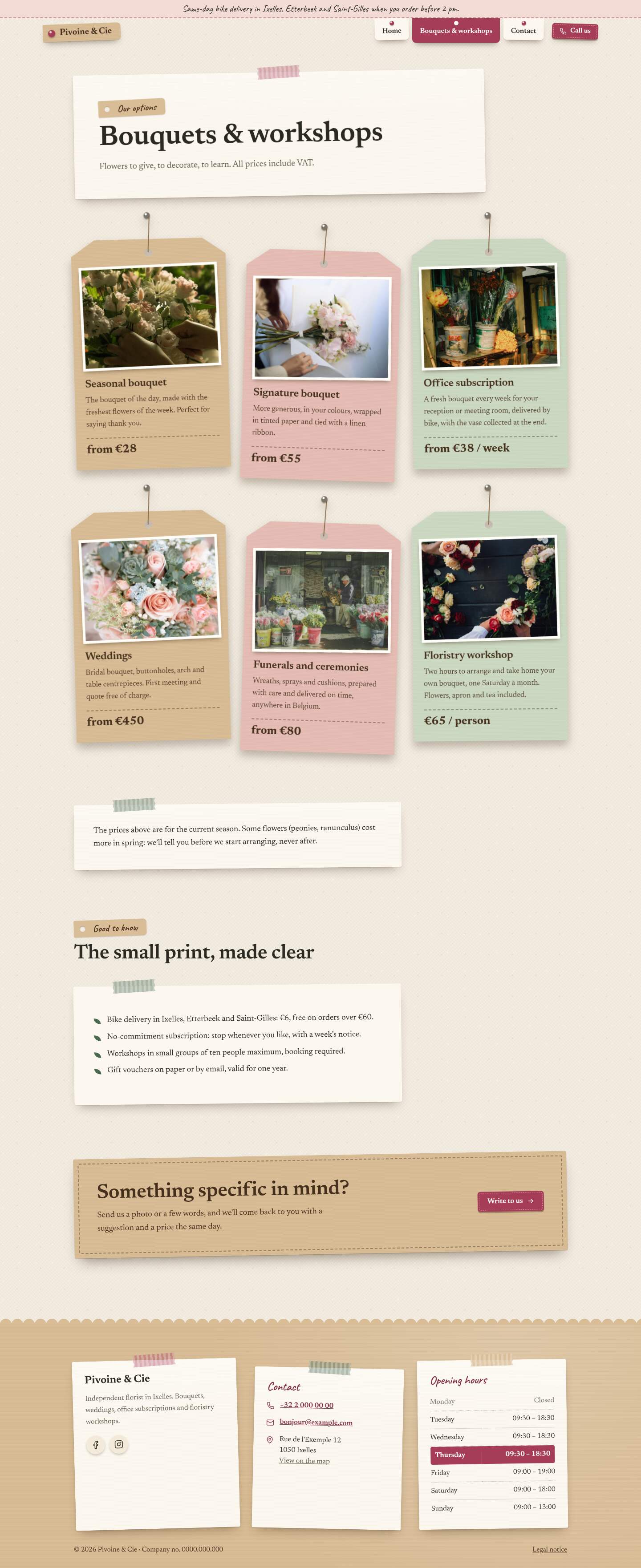
 1/22/2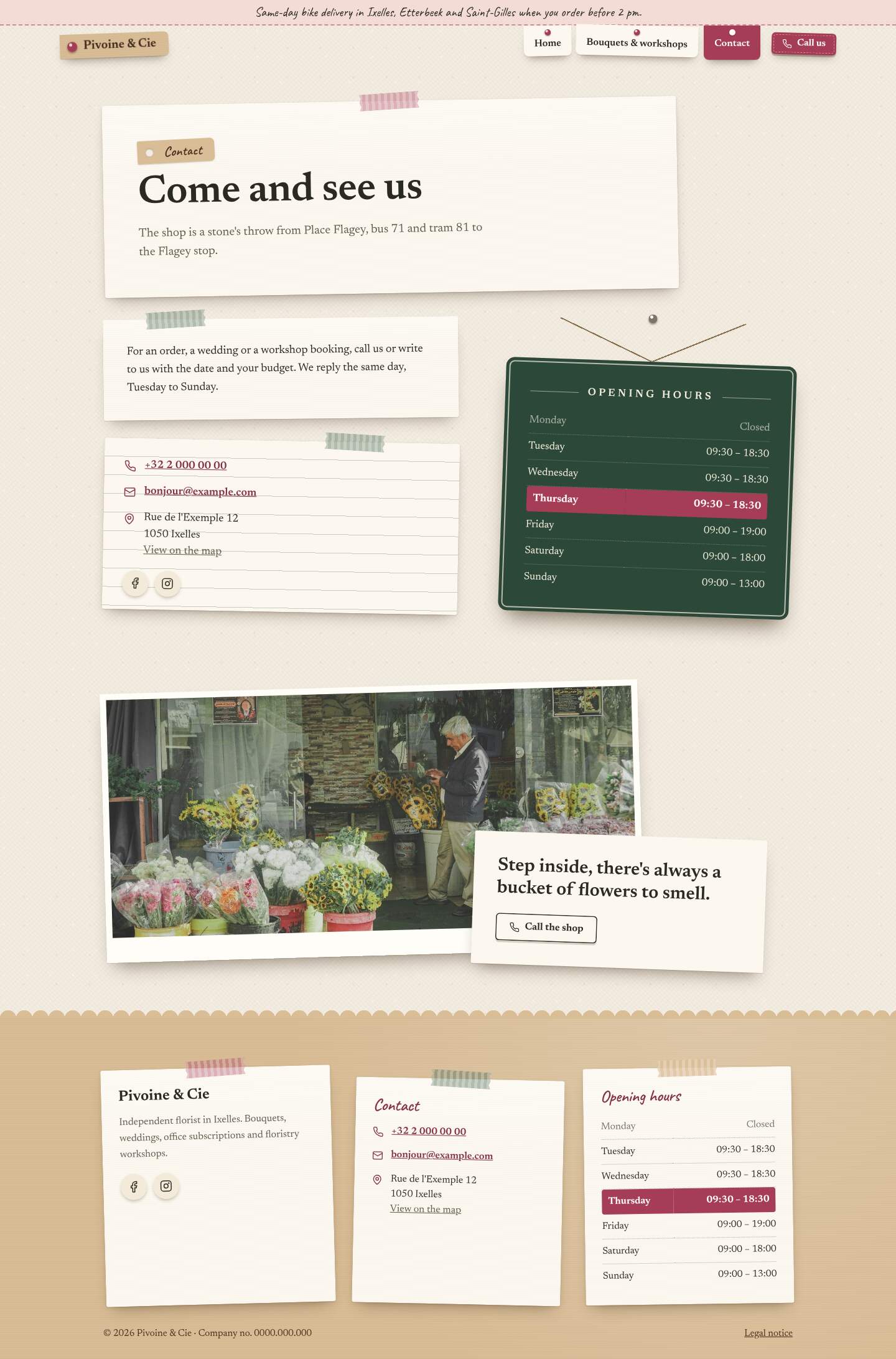
 1/22/2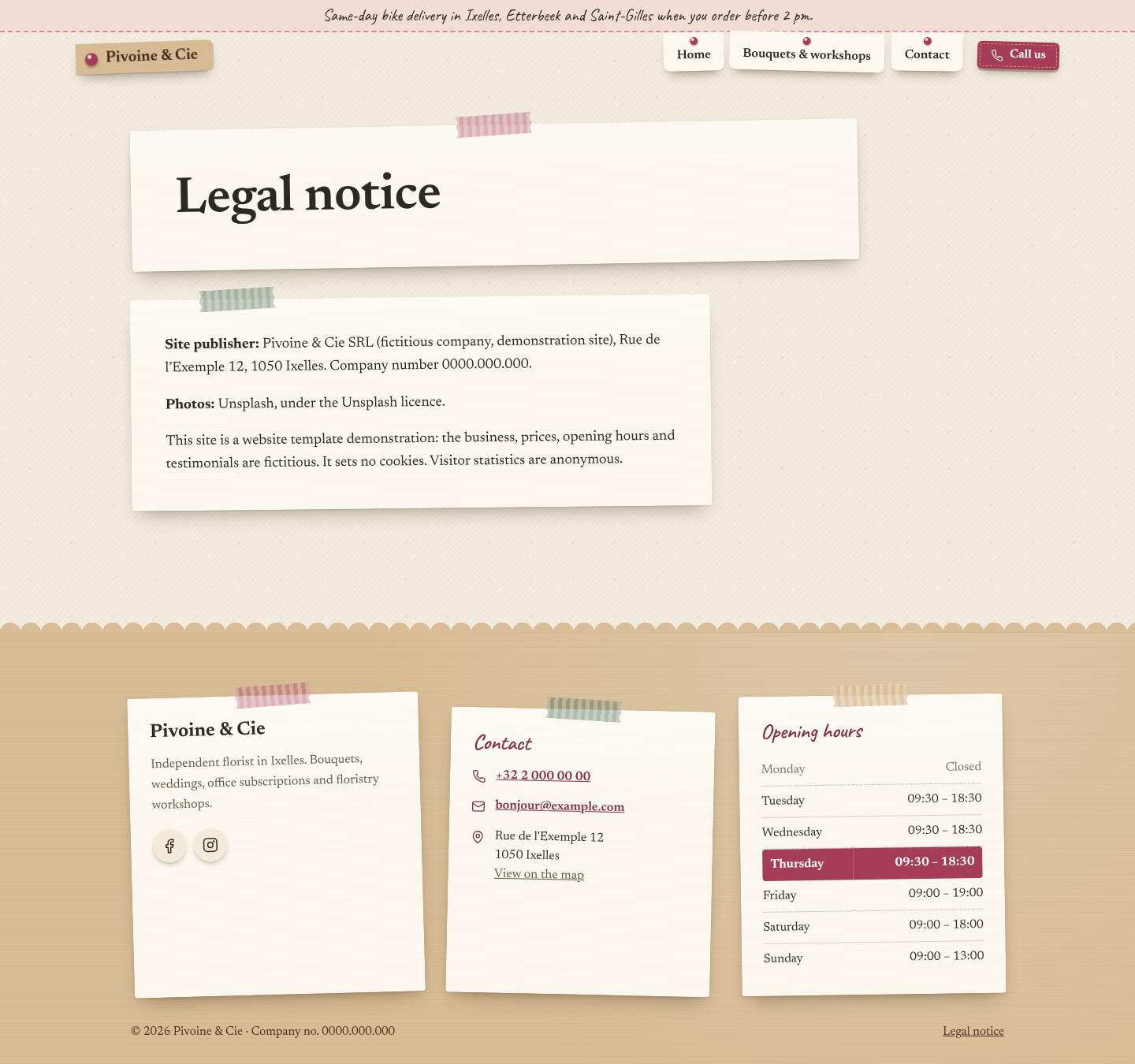
Arrow keys ← →: previous or next page; Shift + arrows: previous or next design. On a phone, swipe left or right.
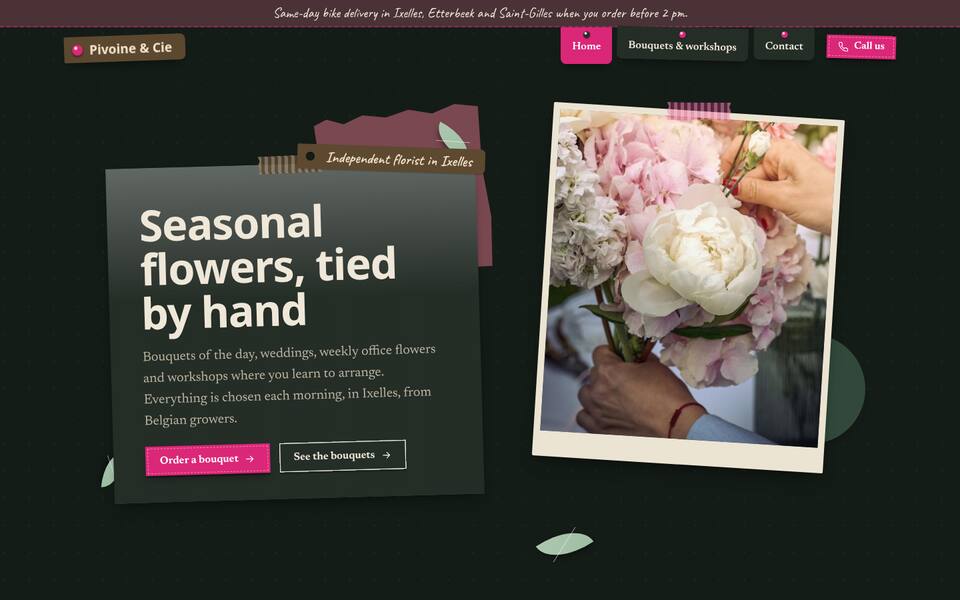
The same design, your way
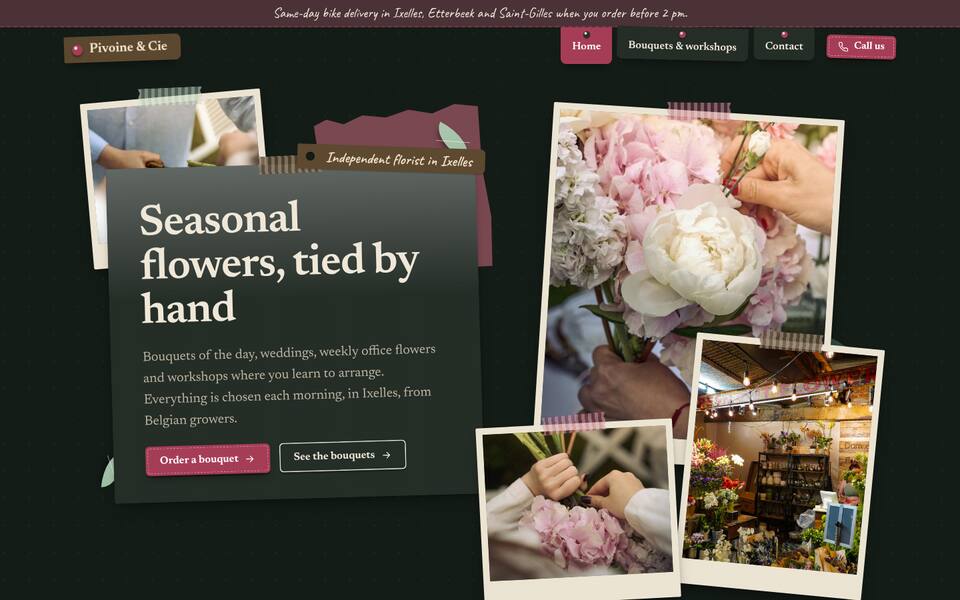
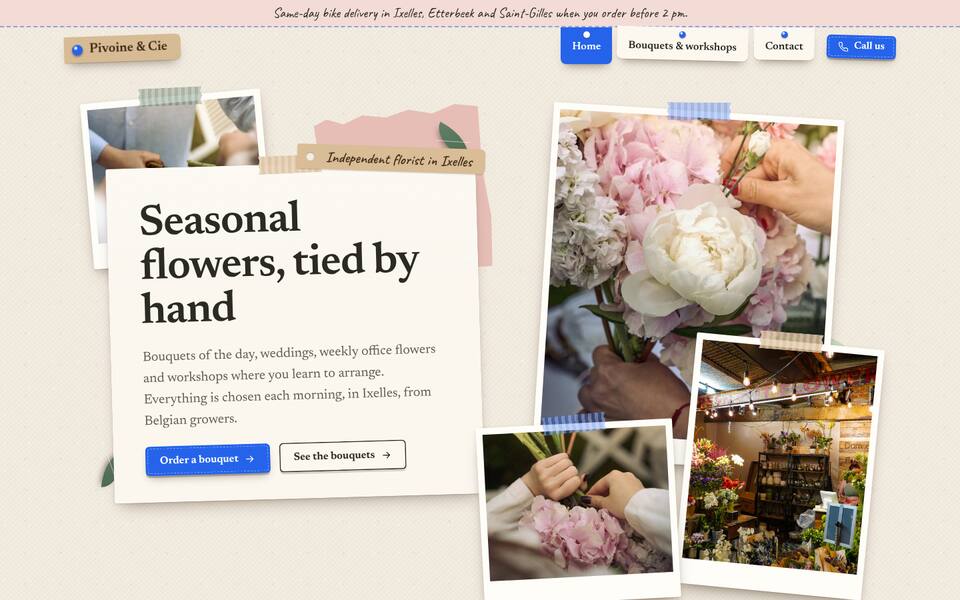
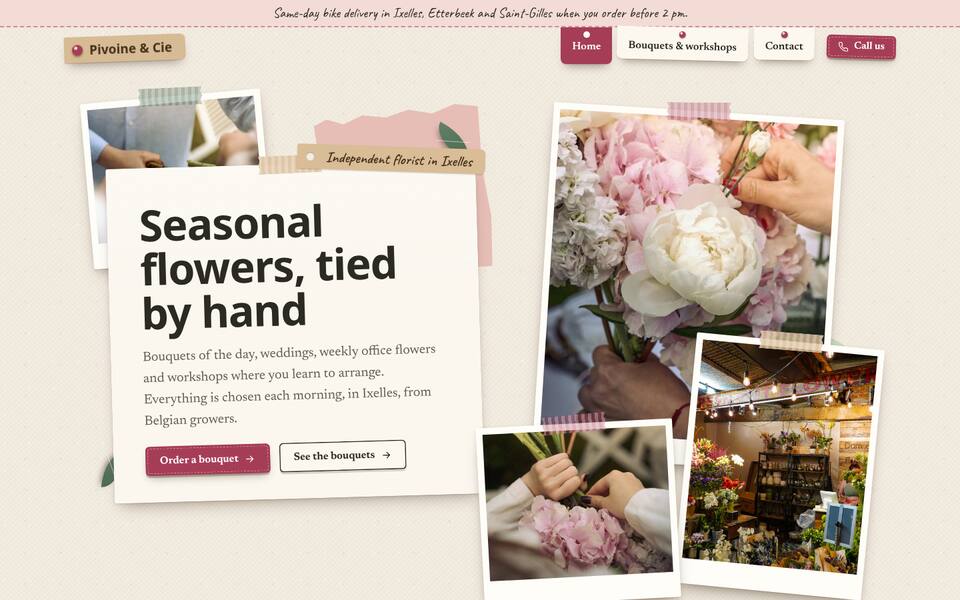
Light or dark background, accent colour, writing style, the top of the home page and the corners can be changed at any time in the editor (“Coordonnées et apparence” → “Apparence du site”), without touching your texts or photos. A few examples, on the top of the home page: